AI in Your Pocket: 10 Game-Changing Tools Every Maintenance Pro Should Know About
Stop waiting for IT approval. Start transforming your maintenance operations today.
Here's the reality: While you're waiting for corporate to roll out the next big CMMS upgrade, your most experienced technicians are retiring and taking decades of tribal knowledge with them. Your equipment is getting more complex. Your backlog is growing. And somewhere in a conference room, consultants are drawing flowcharts about "digital transformation" that won't see the light of day for another 18 months.
But here's what those consultants don't want you to know: You don't need to wait.
The most powerful reliability tools available today don't require IT approval, million-dollar budgets, or six-month implementations. They're free (or cheap), they work on the phone already in your pocket, and you can start using them before your next coffee break.
This isn't theory. These are ten AI-powered tools that maintenance teams are using right now to troubleshoot faster, plan smarter, and stop reinventing the wheel every shift handover.
The New Reality: From Knowledge Scarcity to Knowledge Abundance
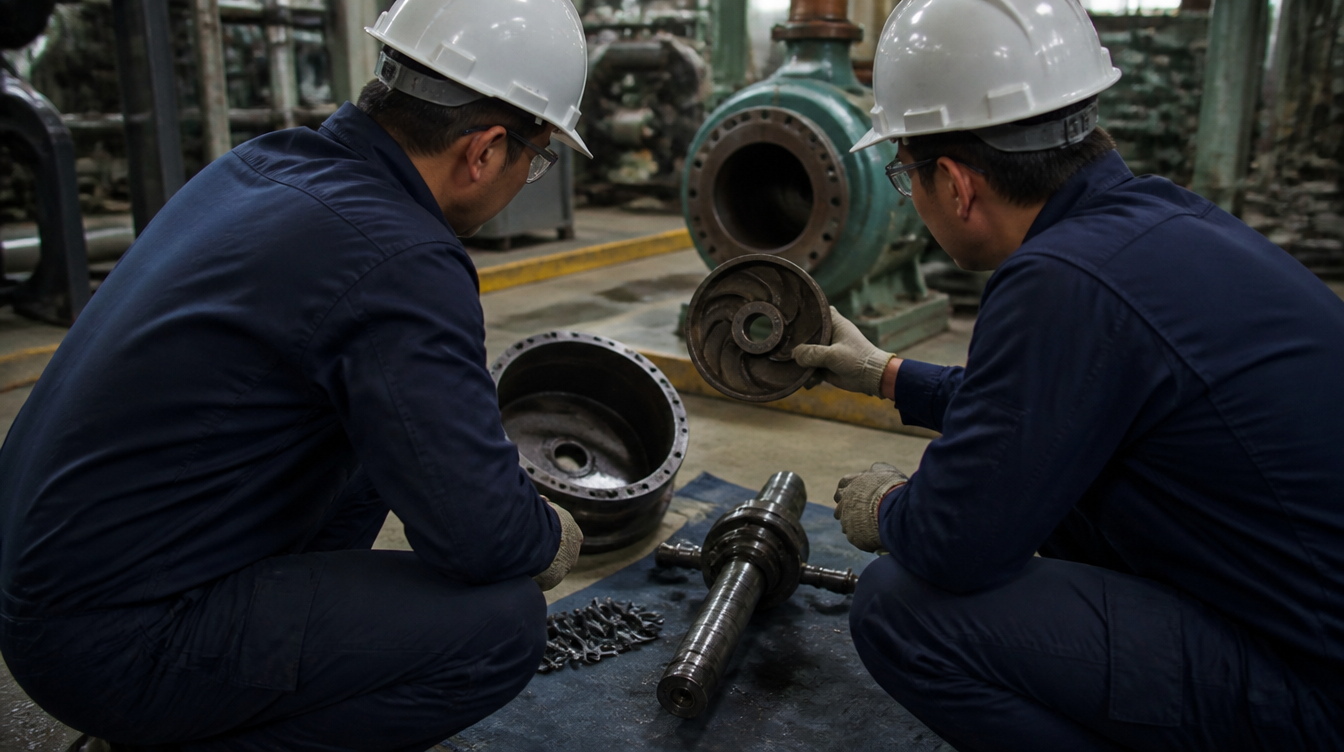
Think about how maintenance work used to happen. A pump starts making a weird noise. The new tech doesn't know what it means, so they walk across the plant to find the senior mechanic. He's not there. They call him. He doesn't answer. By the time someone who knows what they're doing shows up, production has been down for two hours.
Or consider this: You need a specific torque spec from a 1,000-page equipment manual. The paper copy is somewhere in the maintenance office, probably buried under last month's work orders. The PDF is on the shared drive, but good luck finding it. By the time you locate the right page, you've burned 30 minutes.
That world is over.
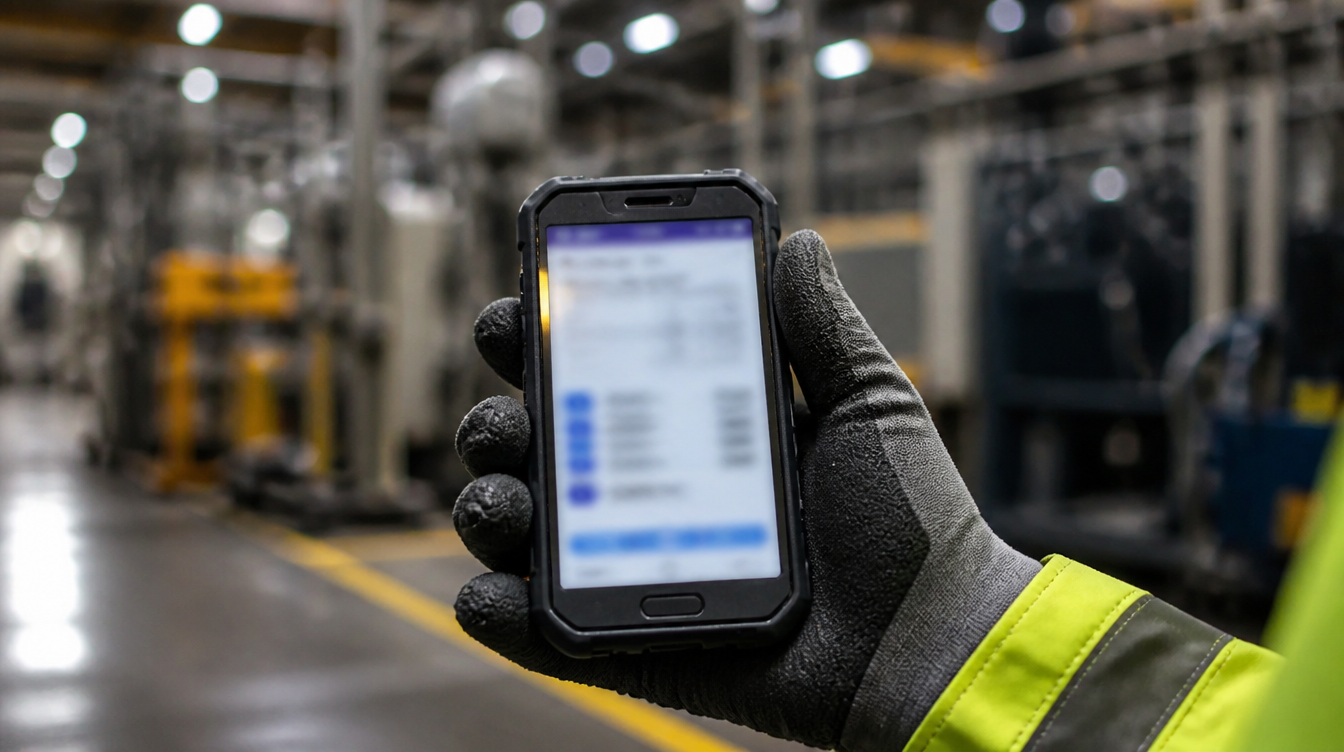
With the right AI tools, that new tech can pull out their phone, describe what they're seeing and hearing, and get a preliminary diagnosis in seconds. They can point their camera at a nameplate and instantly extract every spec without typing a single character. They can ask their phone a question hands-free while keeping their eyes on a safety-critical task.
This is the "Digital Toolbelt," and it's available to anyone who's willing to try something new.

The 10 Tools That Change Everything
1. ChatGPT: Your Hands-Free Technical Assistant
Best for: Troubleshooting, work order writing, safety procedures
ChatGPT has a feature most people don't know about: Advanced Voice Mode. This means you can have a full conversation with it without typing or looking at a screen while you're working on equipment.
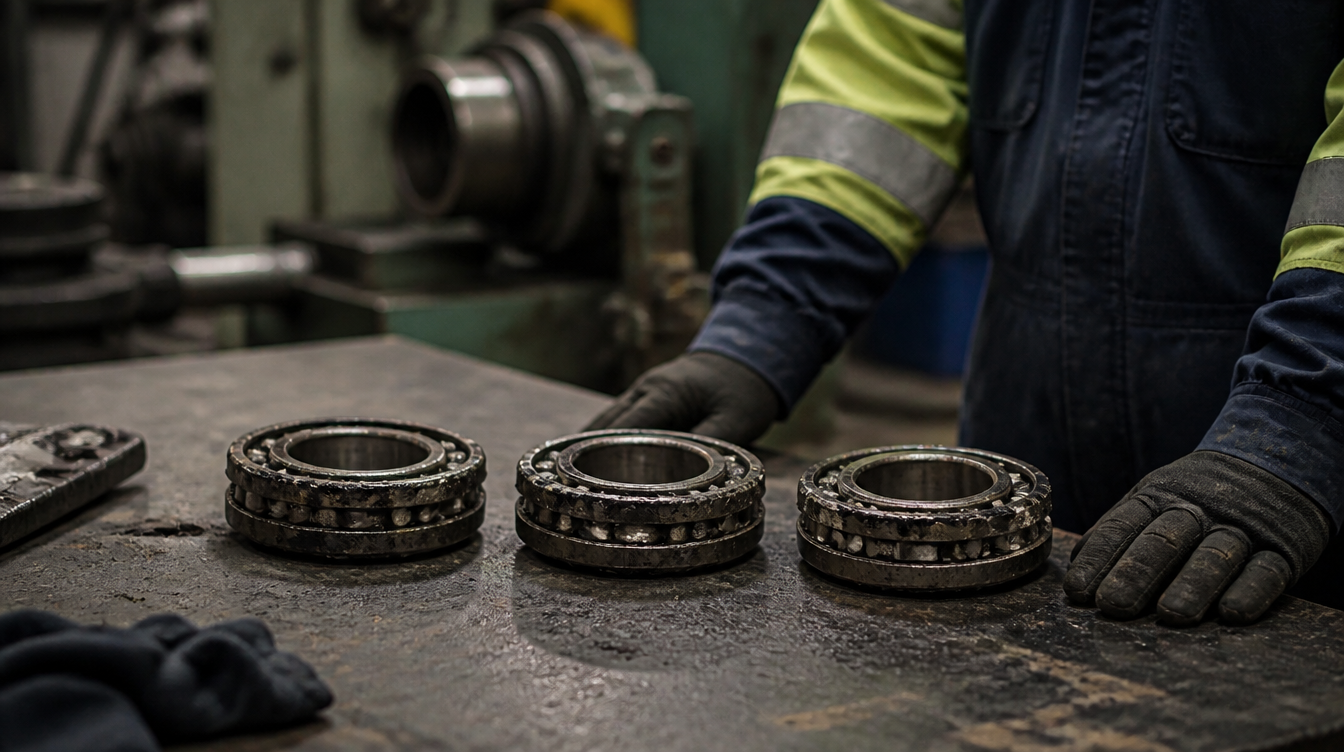
Real-world scenario: You're up on a catwalk inspecting a pump. Both hands are occupied, and you notice high-frequency vibration with a hot bearing. Instead of climbing down to grab your phone and google it, you just say out loud: "ChatGPT, I've got a centrifugal pump vibrating at high frequency. The inboard bearing is running hot. What's the likely failure mode?"
It responds immediately: "That combination typically indicates either a lubrication issue or bearing race degradation. Check your oil level first and look for metal shavings in the sight glass."

For planners: Stop typing the same work order descriptions over and over. Tell ChatGPT: "Write a work order for replacing a 50HP motor. Include LOTO, scaffold requirements, and standard tools." It generates a complete, professional SOW in seconds.
For reliability engineers: Use it to generate a starting point for a Fishbone diagram when beginning a root cause analysis. It'll suggest potential causes you might not have considered, jumpstarting the investigation instead of staring at a blank whiteboard.
The catch: ChatGPT doesn't "know" your specific plant equipment unless you tell it. It's a logic engine, not an oracle. Use it to think through problems, not to replace technical documentation.
2. Google Gemini: The Tool That Sees What You See
Best for: Visual diagnostics, manual analysis, comparing specs
Gemini's superpower is that it can process images and videos alongside text. Got a machine doing something weird? Record a 15-second video and ask Gemini what might be causing it.
Real-world scenario: A packaging line arm is moving erratically and making a grinding noise. You record a quick video clip. Upload it to Gemini and ask: "What mechanical issues could cause this jerky motion and sound?"
Gemini analyzes the visual and audio patterns and might identify stick-slip friction or gear backlash, giving you a diagnostic direction before you start taking things apart.

For reliability engineers: Upload that 1,000-page equipment manual (the entire PDF) and ask specific questions: "What's the torque spec for the high-pressure stage casing bolts?" Gemini's massive context window means it can "read" the whole manual and find exactly what you need.
For planners: Take a photo of an exploded view diagram and ask Gemini to list the part numbers for specific items. It performs OCR and context matching to extract the data you need for your purchase requisition.
3. Claude: The Safety and Compliance Specialist
Best for: Writing procedures, FMEA creation, policy documents
Claude is built to be helpful, harmless, and honest, which makes it ideal for safety-critical documentation where precision matters.
Real-world scenario: You need to create an FMEA for a new cooling water pump system. Instead of scheduling a week-long workshop, you give Claude the system description and ask it to generate a draft FMEA table with failure modes, effects, severity ratings, and detection methods.
It creates a comprehensive starting point in minutes. Your team reviews and refines it instead of building from scratch, cutting FMEA time in half.

For managers: Writing a new LOTO procedure? Give Claude your rough draft and ask it to rewrite for absolute clarity, using active voice and highlighting safety warnings. It's exceptional at making technical procedures understandable.
For planners: Dealing with complex shutdown scheduling? Describe your constraints ("Job A needs the crane for 4 hours, Job B also needs the crane for 6 hours, and Job C creates sparks so it can't run while Job A is open") and let Claude reason through the logic to propose a workable sequence.
4. NotebookLM: Your Zero-Hallucination Manual Library
Best for: Equipment manuals, SOPs, technical specifications
Here's the problem with most AI: It's connected to the entire internet, which means it might give you information from the wrong model year or a completely different piece of equipment.
NotebookLM solves this by creating closed "Notebooks" containing only your specific trusted documents. It only answers questions based on what you upload, and it cites its sources.
Real-world scenario: You create a Notebook for "Compressor C-101" and upload the OEM manual, your site SOP, and recent maintenance history. Now when a tech asks, "What's the spark plug gap setting?", NotebookLM pulls the exact specification from the manual and shows you where it found it.
Zero guessing. Zero hallucination. Just the spec you actually need.

The killer feature: NotebookLM can generate podcast-style audio overviews of technical documents. Upload a dry safety standard, click "Generate Audio Overview," and it creates a conversational discussion between two AI hosts explaining the key points. Your techs can listen to it during their commute instead of reading a 50-page PDF.
For reliability engineers: Upload both the OEM manual and your internal SOP. Ask: "Are there any contradictions between the OEM maintenance intervals and our procedures?" It'll flag discrepancies so you can fix them before they cause problems.
5. Perplexity AI: The Supply Chain Detective
Best for: Sourcing obsolete parts, researching suppliers, finding current information
Perplexity is like Google on steroids. It searches the web in real-time, reads multiple sources, and gives you a synthesized answer with citations.
Real-world scenario: You have an obsolete Allen-Bradley PLC-5/40 that just died. You ask Perplexity: "Who are current authorized retrofitters for Allen-Bradley PLC-5/40 in North America? What's the recommended migration path?"
It scans distributor sites, automation forums, even eBay, and gives you a list of vendors plus technical migration options. This saves you hours of phone tag.

For reliability engineers: "What are the key changes in the latest NFPA 70E standard?" Perplexity finds the current version, summarizes changes, and links to official documentation.
For managers: Before signing a contract with a new vendor, use Perplexity to run due diligence: "Find reviews, customer testimonials, and any lawsuits for [Vendor Name]." It's like having a research assistant who never sleeps.
6. Google Lens: The Data Entry Killer
Best for: Reading nameplates, identifying parts, translating labels
Google Lens is already installed on most smartphones, but hardly anyone in maintenance uses it. That's a shame, because it's one of the most practical tools available.
Real-world scenario: You're standing in front of a motor with a dirty nameplate. Instead of squinting and trying to type a 20-character serial number into your CMMS (and inevitably making a typo), you point your phone camera at it using Google Lens.
It extracts the serial number, model number, voltage, and amp rating. You tap "Copy" and paste it directly into your work order. Zero typos. Every time.

For parts identification: Found a mystery bolt in the bone yard with no label? Snap a photo with Lens. It matches the visual profile against millions of images and identifies it ("Unistrut P1000 Series"), often with links to suppliers.
For safety: Working with imported equipment that has labels in German? Use the "Translate" feature. Point your camera at "Achtung! Hochspannung" and Lens overlays the English translation in real-time: "Danger! High Voltage."
It's augmented reality for safety, and it's free.
7. Loom: The End of "Pump 3 Noisy"
Best for: Shift handovers, remote troubleshooting, training documentation
Text-based logbooks are where information goes to die. "Pump 3 noisy" tells the next shift absolutely nothing useful. Loom fixes this with asynchronous video messaging.
Real-world scenario: You're ending your shift and Pump A has a small leak you didn't have time to fix. Instead of writing a vague note, you open Loom on your phone and record a 60-second video:
"Hey night shift, I replaced the seal on Pump A [points camera], but there's still this small drip here [zooms in]. I didn't get to torque these bottom bolts [points]. Please finish that first before starting the motor."
You share the link in the digital logbook. The night shift gets precise visual context with no guessing and no miscommunication.

For reliability engineers: Record your screen while analyzing vibration data. "See this peak at 2x turning speed? That's misalignment. Site team needs to check the coupling." Send the link as a clear, narrated work request.
For training: When a senior tech performs a tricky procedure, have them record it once with Loom. Now you have a permanent training video showing exactly how the expert does it.
8. Julius AI: Data Analysis Without the PhD
Best for: MTBF calculations, Weibull analysis, cost modeling
Most reliability engineers aren't Python programmers. But reliability engineering is data science. Julius AI bridges that gap.
Real-world scenario: You export 5,000 work orders from your CMMS as a CSV file. You upload it to Julius and type: "Calculate the MTBF for all assets tagged 'Pump.' Plot the failure distribution."
Julius writes the Python code, runs the analysis, and creates professional charts in seconds. Work that would take hours in Excel happens automatically.

For identifying bad actors: "Which top 10 assets accounted for 80% of our maintenance spend last year? Create a Pareto chart." Boom. Now you know exactly where to focus your reliability efforts for maximum ROI.
For managers: Need to justify capital expenditure? Upload cost history and ask Julius: "Project the 5-year operational cost of the current compressor. Compare it to a new unit that costs $50K but is 20% more efficient. When's the break-even point?"
It generates a repair-vs-replace analysis that makes your business case for you.
9. Gamma: Instant Training Materials
Best for: Toolbox talks, presentations, visual work instructions
You know you should be doing regular toolbox talks on safety. But creating slides takes time you don't have. Gamma changes the equation.
Real-world scenario: You notice the crew getting lax with ladder safety. You open Gamma and type: "Create a 5-slide toolbox talk on ladder safety. Focus on 3-point contact, securing the base, and pre-use inspection. Professional tone. Include a quiz slide."
Sixty seconds later, you have a complete presentation with relevant images. You can present it directly from your phone during the morning huddle.
For reliability engineers: Need to present RCA results to plant leadership? Paste your rough notes into Gamma and ask it to structure them as: Incident Summary, Root Cause, Financial Impact, Proposed Solution. It turns your notes into a professional deck.
For planners: Create visual work instructions (One-Point Lessons) by describing the steps. Gamma lays them out in a clean format you can print and laminate for the shop floor.
10. Otter.ai: Capturing What's Never Written Down
Best for: Shift handovers, knowledge capture, documentation
The most valuable knowledge in your plant is never written down. It's spoken during shift handovers, hallway conversations, and troubleshooting discussions. Otter.ai makes it permanent and searchable.
Real-world scenario: Run Otter during your shift handover meeting. The entire conversation gets transcribed automatically. "We bypassed the safety switch on Conveyor 3" is now a searchable record.
Two weeks later, there's a safety incident. You search the Otter archive for "safety switch" or "Conveyor 3" and find exactly who said what and when. Instant audit trail.

For knowledge capture: Before your master mechanic retires, walk the plant with them. Ask detailed questions: "How do you know when to adjust the tension on this belt? What does it sound like?"
Otter records and transcribes the entire conversation. You can focus on asking good questions instead of frantically taking notes. That transcript becomes a training document for the next generation.
The Implementation Strategy: Start Small, Prove Value, Scale
You don't need permission to download ChatGPT or Google Lens. You don't need IT approval to sign up for NotebookLM. These are consumer tools with open sign-up.
Week 1: Pick one tool that solves your biggest pain point today. Got terrible shift handovers? Try Loom. Constantly looking up specs? Try NotebookLM.
Week 2: Show it to one colleague. Let them see the value firsthand.
Month 1: Share quick wins with your team. When someone says "How did you get that done so fast?", show them the tool.
Month 3: You've got early adopters using multiple tools. Document the time savings and error reductions.
Month 6: Present the results to management. Show them that for zero capital investment, your team increased wrench time by 15% and reduced repeat failures by 20%.
Then you can talk about enterprise versions with enhanced security and team features. But you don't need to start there.

The Critical Rule: Know What NOT to Upload
These tools are powerful, but the free versions use your data for training. Never upload:
- Proprietary schematics or trade secrets
- Personally identifiable information (PII)
- Confidential financial data
- Security-sensitive information
Safe to upload:
- Generic OEM manuals (they're public anyway)
- Generic failure descriptions
- Industry standards
- Work order templates

Once a tool proves valuable, upgrade to the enterprise tier for guaranteed privacy and data exclusion from model training.
The Bottom Line: The Barrier Isn't Technical, It's Cultural
The technology to revolutionize maintenance work exists right now. It's accessible, affordable, and proven. The only thing stopping your team from using it is the belief that "we need to wait for corporate" or "we're not an AI company."
You don't need to be an AI company. You just need to be a company that's willing to use the best tools available to do better work.
The mechanics who adapted when diagnostic tools went digital thrived. The ones who insisted on doing everything by feel struggled. We're at the same inflection point with AI.
The "Blue-Collar Digital Transformation" isn't coming. It's here. It fits in your pocket. And it's waiting for you to take the first step.
Ready to get started?
- Download ChatGPT and try voice mode on your next troubleshooting call
- Install Google Lens and scan your next nameplate instead of typing it
- Create a NotebookLM notebook for your most-used equipment manual
- Record your next shift handover with Loom
Do just one of these this week. See how it feels. See the time you save. See the errors you prevent.
Then ask yourself: Why would I ever go back to the old way?
The tools are free. The choice is yours. The only question is: How much longer are you willing to work harder instead of smarter?